🌐 HTB VPN Setup Guide
Establishing a secure connection to the Hack The Box network is the first step for any machine. This guide covers the standard OpenVPN setup.
1. Download Configuration
-
Step 1: Go to the HTB “Access” page or Starting Point and download your
.ovpnconfiguration file.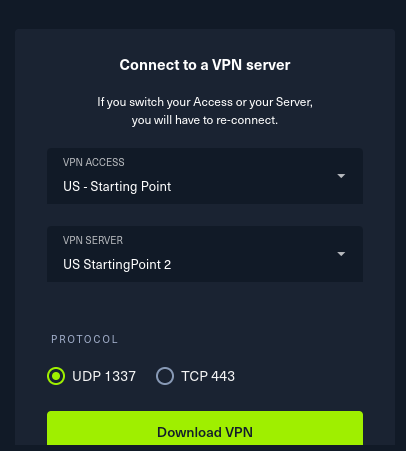
-
Step 2: Verify the file in your terminal.

2. Establishing Connection
- Step 3: Use
openvpnto start the connection.
sudo openvpn your_file.ovpn
3. Verification
-
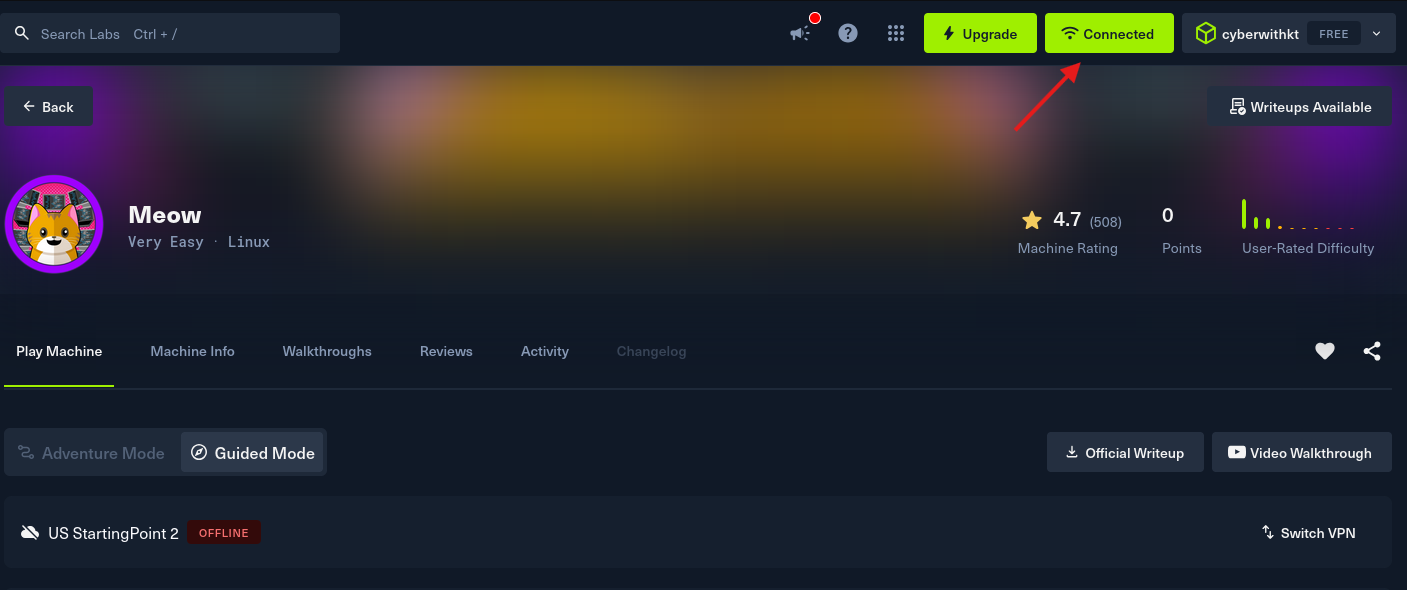
Step 4: Check the HTB Dashboard to confirm the “Connected” status.
-
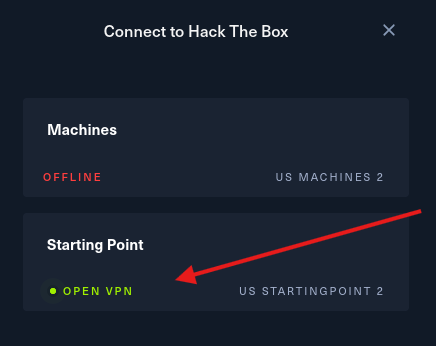
Step 5: Confirm VPN status in the HTB UI.
-
Step 6: Verify the
tun0interface on your local machine.
ip a show tun0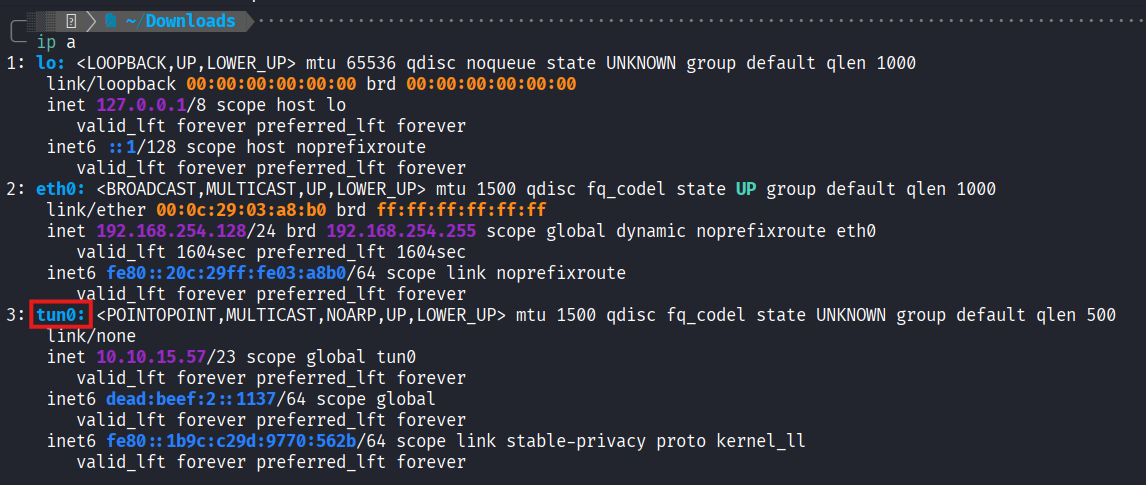
TIP
Always ensure your VPN is active before starting any reconnaissance.