🔍 Reconnaissance & Connectivity
1. Connectivity
Before starting the machine, ensure the HTB VPN connection is active.
- VPN Setup Guide: HTB VPN Setup Guide
2. Target Identification
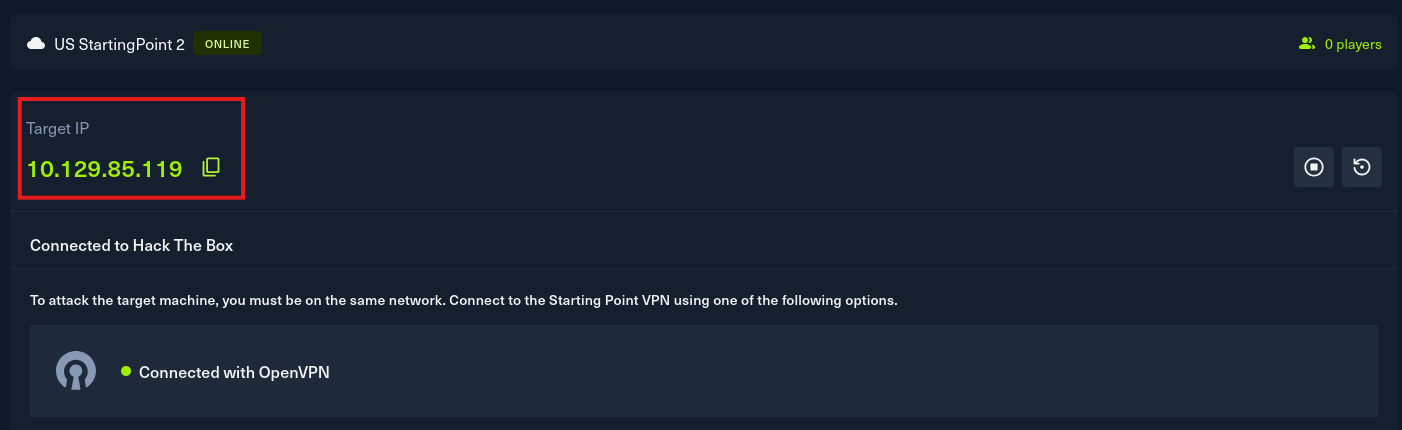
Obtained the target IP from the HTB Dashboard.
-
Target IP: 10.129.85.119
-
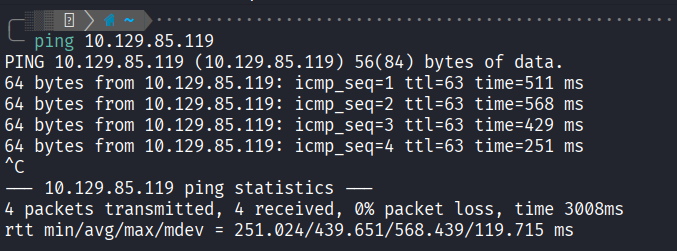
Ping Test: Checked connectivity to the target.
3. Nmap Scanning
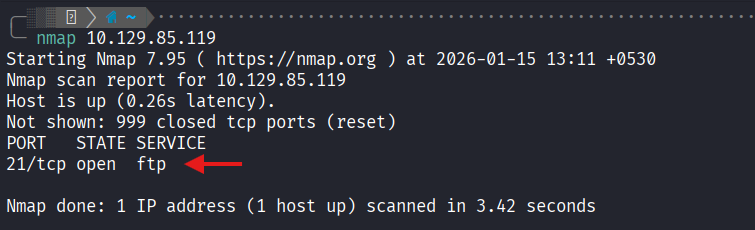
Performed an Nmap scan to identify open ports.
-
Initial Scan: Identified Port 21 (FTP) is open.
-
Service & Script Scan:
nmap -sC -sV -p 21 10.129.85.119Results Summary:
| Port | Service | Version | Script Finding |
|---|---|---|---|
| 21/tcp | FTP | vsftpd 3.0.3 | ftp-anon: Anonymous FTP login allowed |
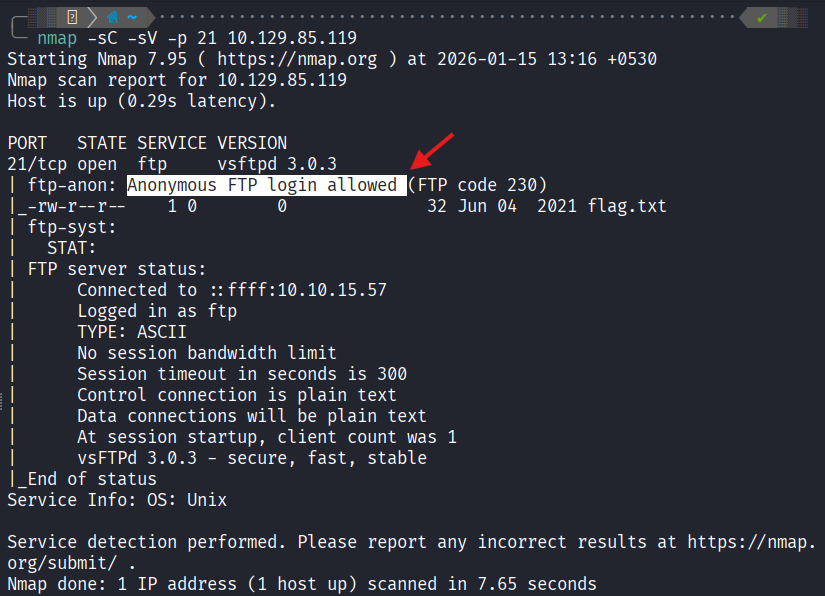
The Nmap scan reveals an FTP service (vsftpd 3.0.3) that allows anonymous login. This is the primary attack vector.
Next Step