🔍 Reconnaissance & Connectivity
1. Connectivity
Before starting the machine, ensure the HTB VPN connection is active.
- VPN Setup Guide: HTB VPN Setup Guide
2. Target Identification
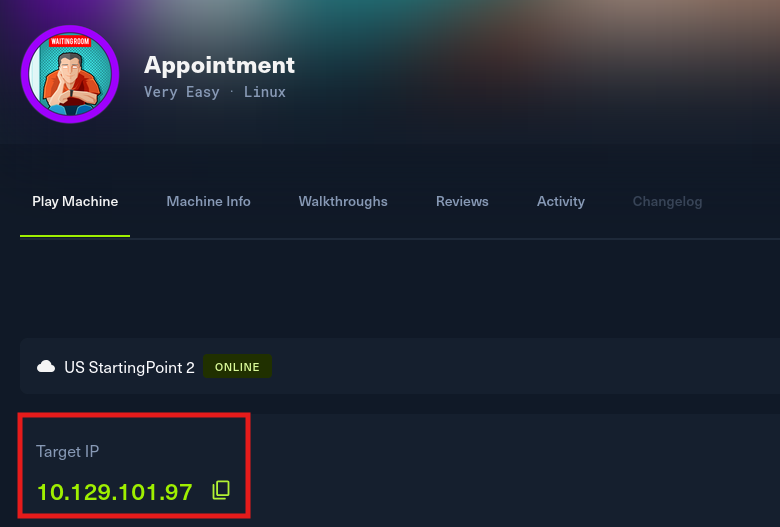
Obtained the target IP from the HTB Dashboard.
-
Target IP: 10.129.101.97
-
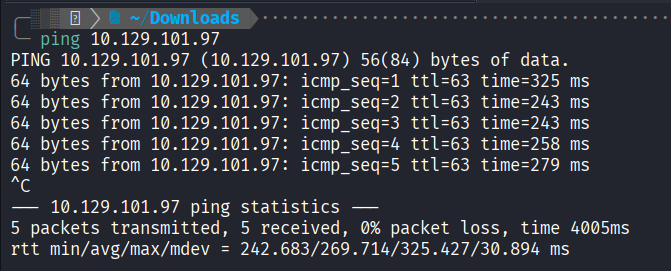
Ping Test: Checked connectivity to the target.
3. Port Scanning
I used rustscan and nmap to identify open ports.
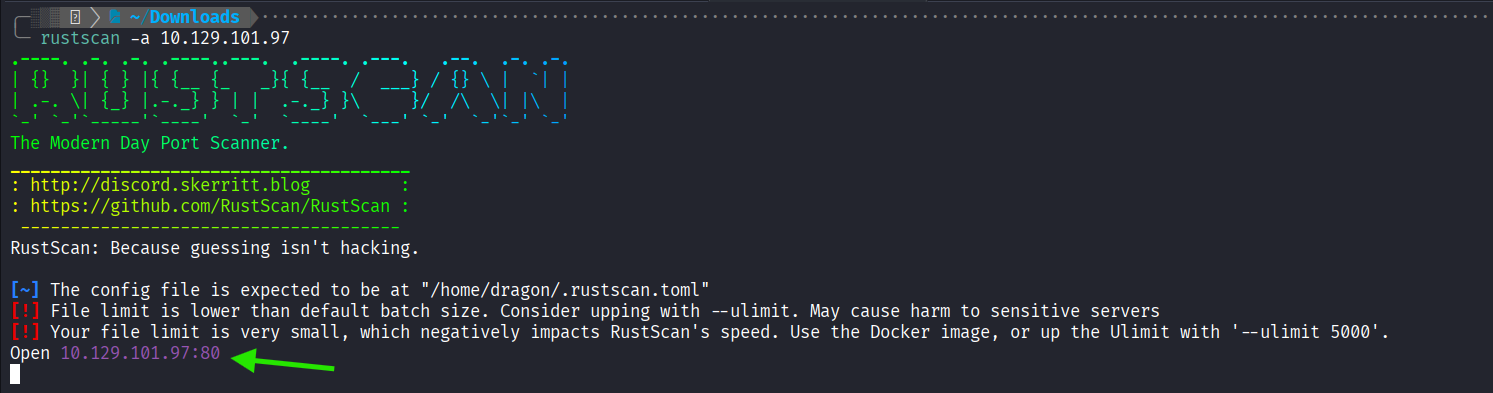
- Rustscan: Fast scan for all 65535 ports.
rustscan -a 10.129.101.97Findings: Port 80 is open.
- Nmap Scans:
- Initial scan of top ports.
- Service version and default script scan.
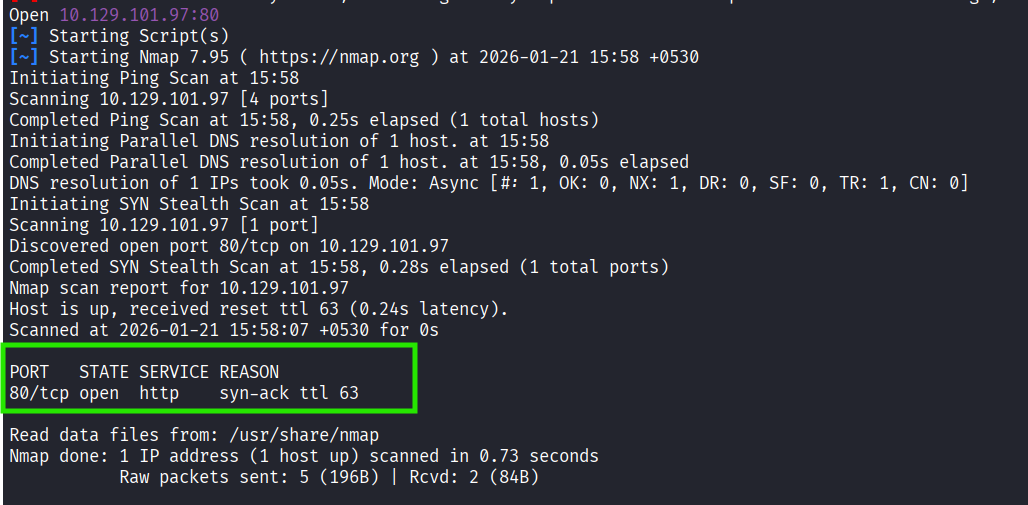
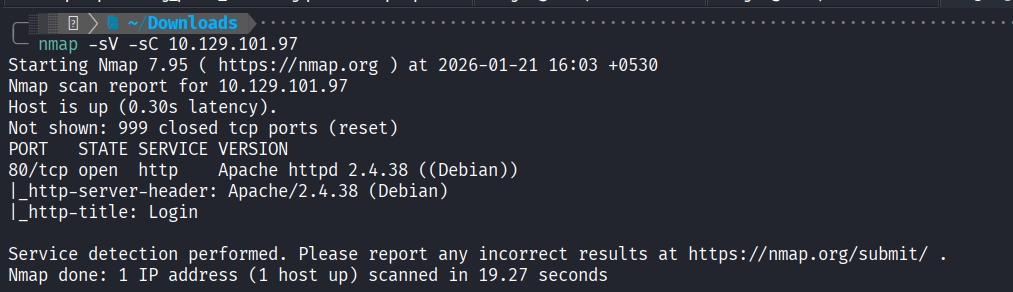
The target is a Linux host running an Apache web server on Port 80. The page title is “Login”, suggesting a web application as the primary attack vector.
Next Step