🔍 Reconnaissance & Connectivity
1. Connectivity
Before starting the machine, ensure the HTB VPN connection is active.
- VPN Setup Guide: HTB VPN Setup Guide
2. Target Identification
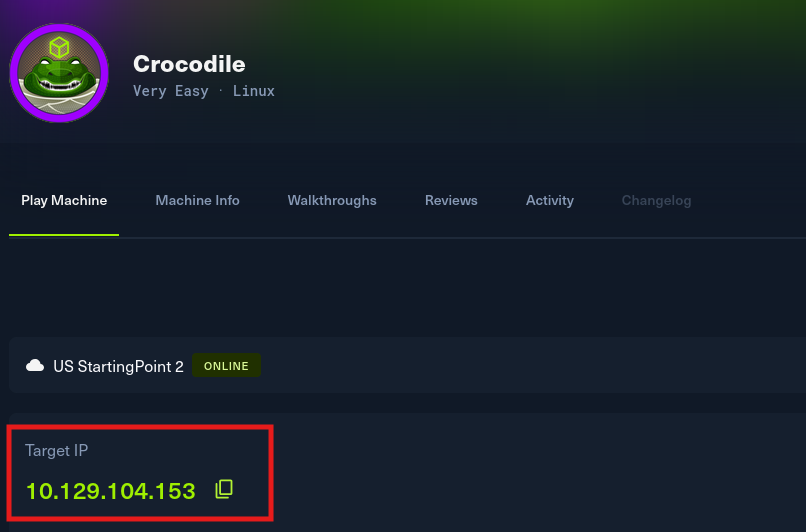
Obtained the target IP from the HTB Dashboard.
-
Target IP: 10.129.104.153
-
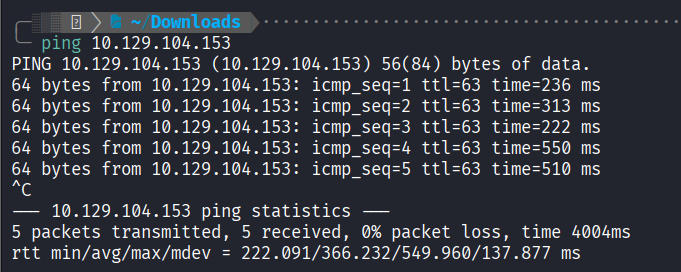
Ping Test: Checked connectivity to the target.
3. Port Scanning
I used rustscan and nmap to identify open ports and running services.
- Rustscan: Rapidly identified Ports 21 and 80 as open.
rustscan -a 10.129.104.153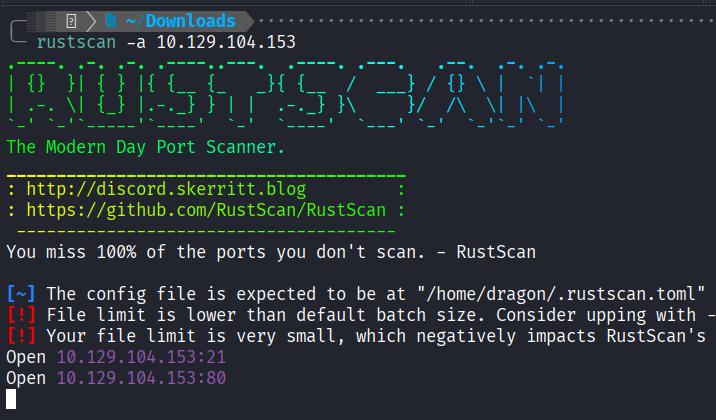
- Nmap Service Scan:
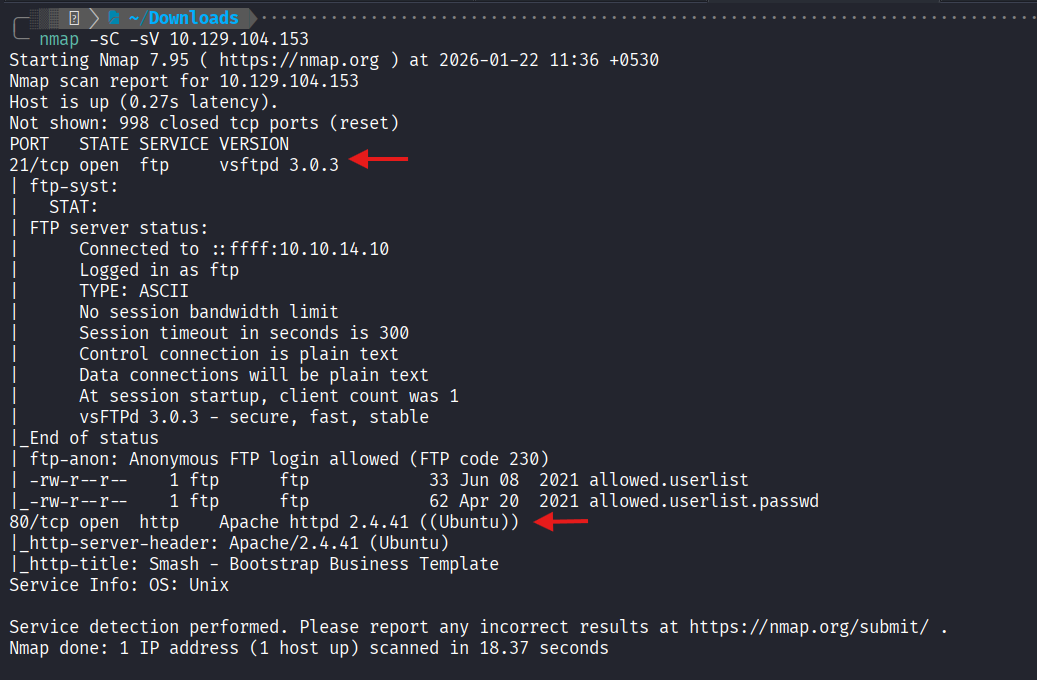
nmap -sC -sV 10.129.104.153Results Summary:
| Port | Service | Info |
|---|---|---|
| 21/tcp | FTP (vsftpd 3.0.3) | Anonymous login allowed; Contains sensitive user lists. |
| 80/tcp | HTTP (Apache 2.4.41) | Ubuntu-based web server. |
4. Initial Findings
The Nmap scan reveals two high-value entry points: an FTP server allowing anonymous login and a web server. The presence of user/password lists on the FTP server suggests a credential-based attack on the web portal.
Next Step