🔍 Reconnaissance & Connectivity
1. Connectivity
Before starting the machine, ensure the HTB VPN connection is active.
- VPN Setup Guide: HTB VPN Setup Guide
2. Target Identification
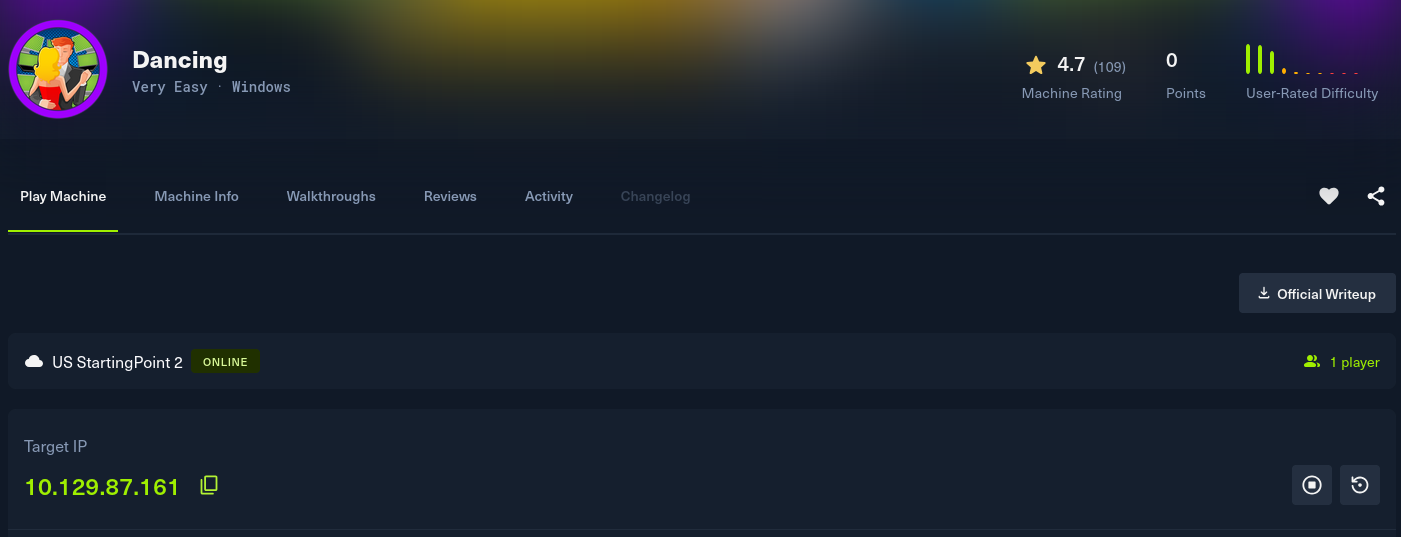
Obtained the target IP from the HTB Dashboard.
-
Target IP: 10.129.87.161
-
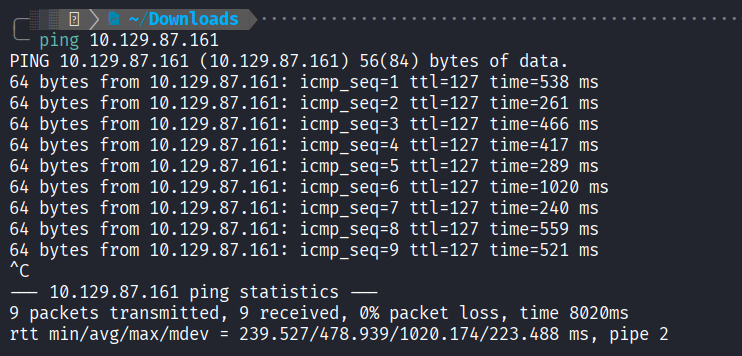
Ping Test: Checked connectivity to the target.
3. Nmap Scanning
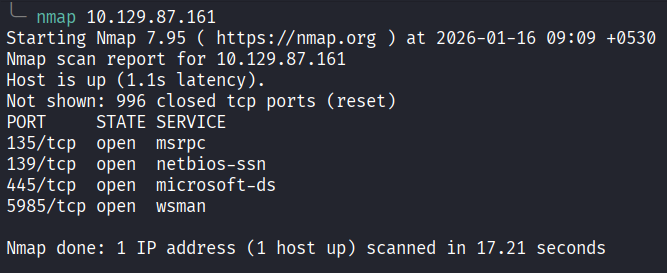
Performed an Nmap scan to identify open ports and services.
-
Initial Scan: Identified Ports 135, 139, 445, and 5985 are open.
-
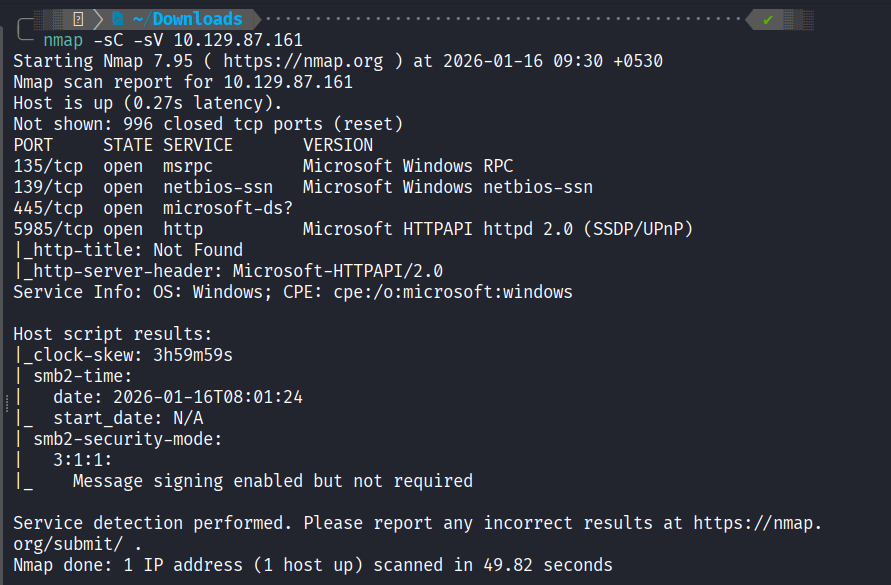
Service & Script Scan:
nmap -sC -sV 10.129.87.161Results Summary:
| Port | Service | OS |
|---|---|---|
| 445/tcp | microsoft-ds (SMB) | Windows |
4. Initial Findings
The Nmap scan reveals standard Windows services, with SMB (445) being the most promising target for enumeration in this Tier 0 machine.
Next Step