🛠️ AWS CLI Setup Guide
📝 Overview
The AWS Command Line Interface (CLI) is a unified tool to manage your AWS services. For HTB labs like Three, we use it to interact with S3 buckets.
⚙️ Installation Steps (Linux)
1. Download the Installer
Use curl to download the AWS CLI zipped package.
curl "https://awscli.amazonaws.com/awscli-exe-linux-x86_64.zip" -o "awscliv2.zip"
2. Unzip the Package
Extract the contents of the downloaded zip file.
unzip awscliv2.zip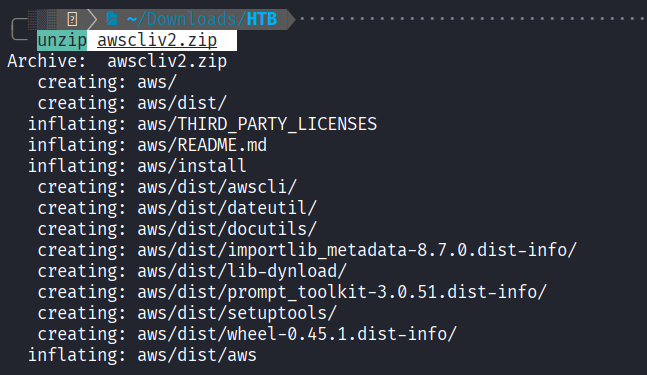
3. Run the Install Script
Navigate to the extracted folder and run the install script with sudo.
cd aws
sudo ./install
✅ Verification
Check the version to ensure the installation was successful.
aws --version
🛠️ Configuration
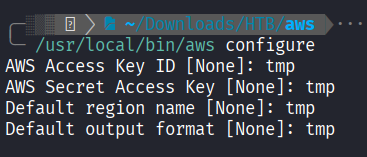
For HTB labs, you often need to configure a temporary profile. You can use dummy data if an endpoint is provided.
aws configure- Access Key:
tmp - Secret Key:
tmp - Region:
tmp - Format:
tmp
TIP
Use the
--endpointflag when interacting with local S3 services (e.g.,--endpoint=http://s3.thetoppers.htb/).
Obsidian only
🔙 Navigation
Return to Walkthrough 📂 Back to Enumeration: Three →